Redeeming of Coupons for Merchants & Business Partners
By Jan de Waal on 14 April 2022
BeginnerCoupons may be presented by customers on mobile phones or printed and carry a scannable QR code.
The QR code does not require a special application and can be scanned using a smartphone's Camera application or QR reader
Sample QR codes are available below:
https://deal.com.mt/QRCODES.jpg

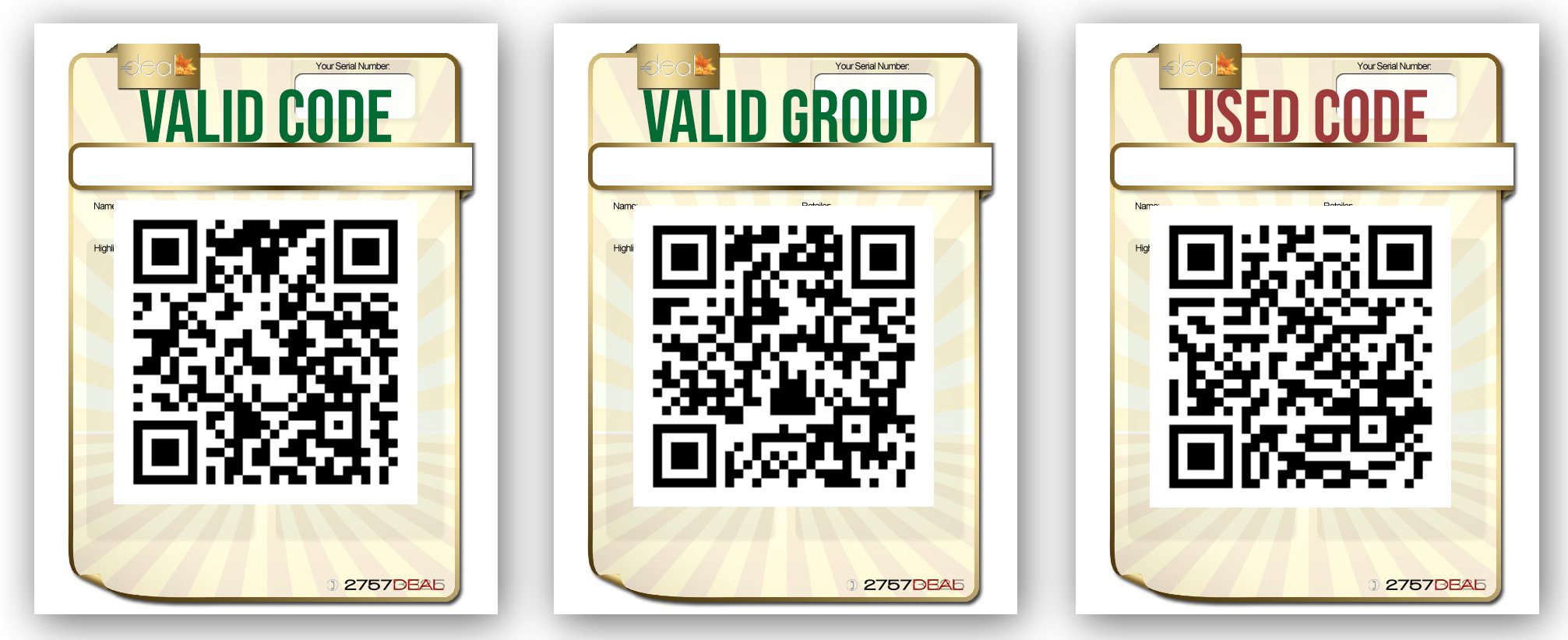
Upon scanning a valid QR code a Use Coupon button is shown on screen. Tap the Use Coupon button to mark the coupon as used.
In case of an already used coupon or an invalid coupon, details of the purchased customer, used date and information is shown on screen to provide the customer with information when the coupon was already used.
Was this article helpful?
More articles on Merchant Help Centre